FOR SHOPPERS
Online Store
Explore shoes, electrical goods, bags and handbags. Find a product and contact us to request your order.
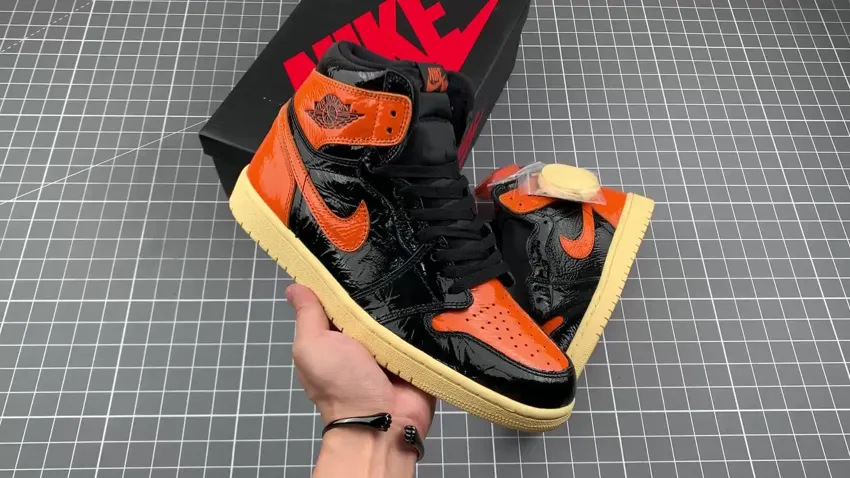
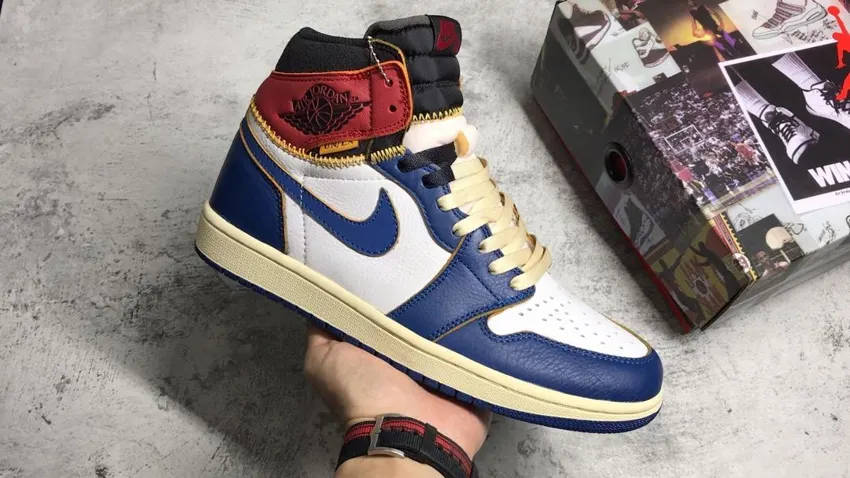
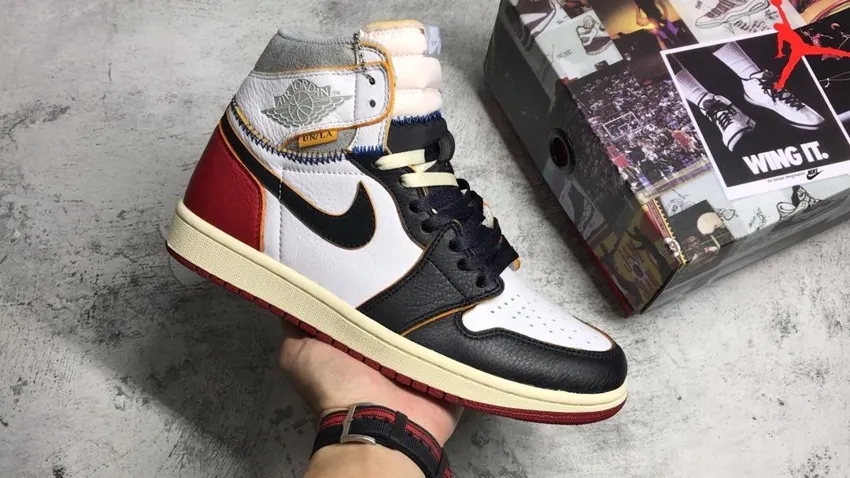
- Browse products and photos
- Choose your style and quantity
- Request an order on WhatsApp
Shop our products or plan a wholesale order. Choose where to start.
Explore shoes, electrical goods, bags and handbags. Find a product and contact us to request your order.
Source products from China for your business. Discuss bulk quantities, export needs and delivery to your market.
You are offline. Showing saved content. Reconnect for the latest products and enquiries.
Tell us what your market needs. Discuss bulk quantities, sourcing options, and export requirements directly with Baseer.
Shoes, electrical goods, bags, and handbags. Share photos, specifications, and your preferred styles.
Tell us the quantity, sizes, colours, and destination. We will discuss pricing and availability for your requirements.
Confirm packaging, delivery options, and any destination requirements before placing your order.
Start with a product brief. Prices and delivery arrangements are confirmed individually.
Browse by category. Open a product to choose a quantity and request your order on WhatsApp. We confirm the price, availability, and delivery before payment.
Browse our shoe collections below. Photos show catalogue references; confirm your selected style, sizes, availability, and price with us before ordering.
No products match your search. Try another category or contact us with your requirements.
Baseer Global Trading offers export and wholesale enquiries alongside an online product store for shoes, electrical goods, bags, and handbags from China.
Whether you are exploring a footwear range or looking for a specific electrical product, start with your requirements. A clear product brief helps us discuss the right options for your market.
Have another product in mind? Tell us about it →Tell us your product, quantity, target specifications, and destination country.
Review product choices and confirm the details that matter to your business.
Discuss pricing, availability, and delivery arrangements before placing an order.
Share your wholesale requirements using the form below, or contact us directly. For store orders, open a product in the Online Store.
Review your enquiry, then choose WhatsApp or email to send it.